
For online fashion stores
Your customers see the clothes on themselves before they buy.
One button on the product page. The customer uploads a photo and sees the piece on their own body in seconds, without leaving your store.
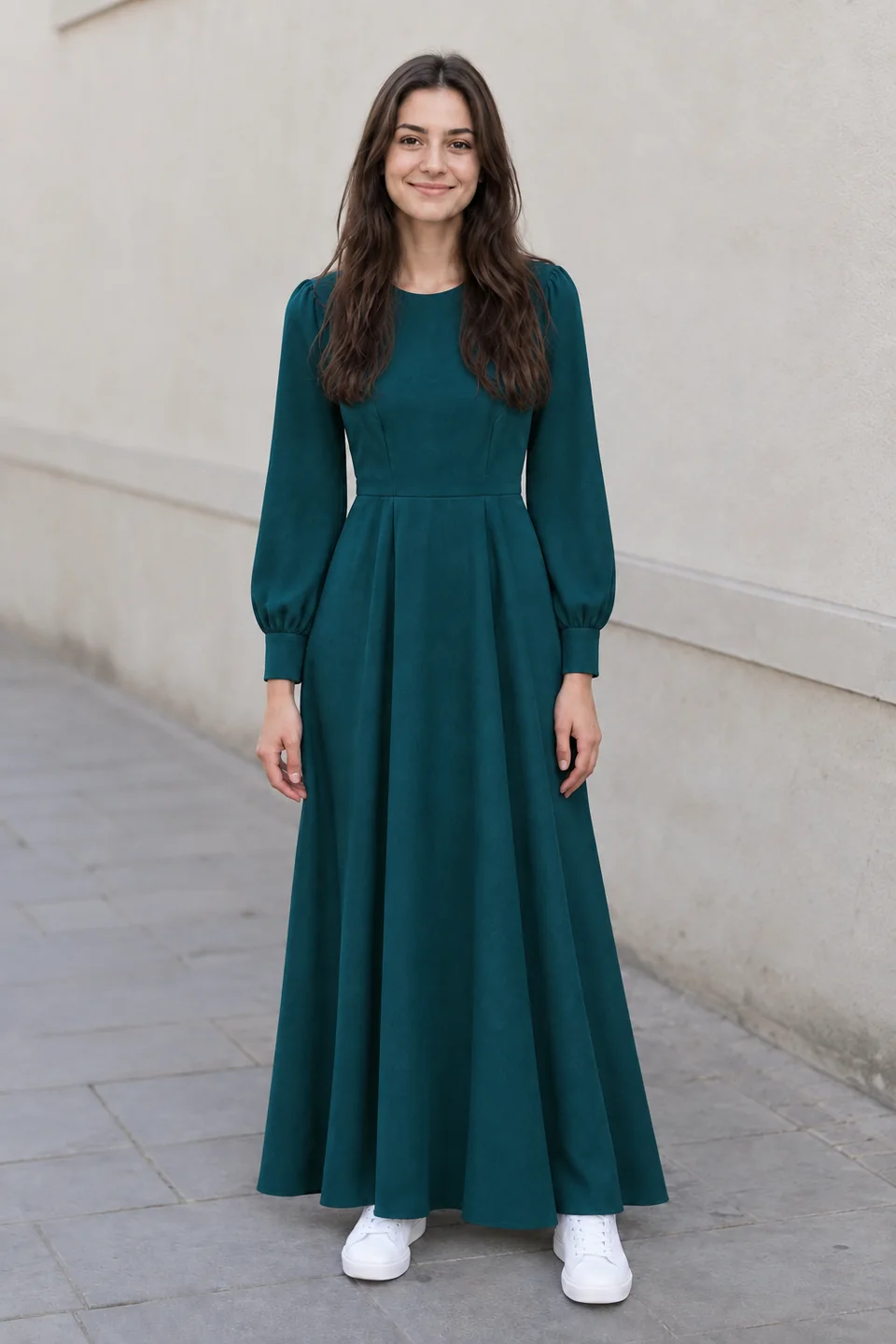
Real previews generated by Swappy, untouched.





How it works
How it works for your customer
Three steps, then they carry on shopping. They never leave your page.
- 01
Pick the piece
On the product page a “Try it on me” button appears, next to your buy button.
- 02
Upload a photo
A phone photo is enough. We check it works for that piece before generating.
- 03
See how it looks
In about 20 seconds they see the piece on their own body, compare before and after, and buy.
For you: paste one line into your site. Nothing else to set up.
Demo
Try it as your customer would
This is a sample product page with the button installed. Click it and go through the whole flow.
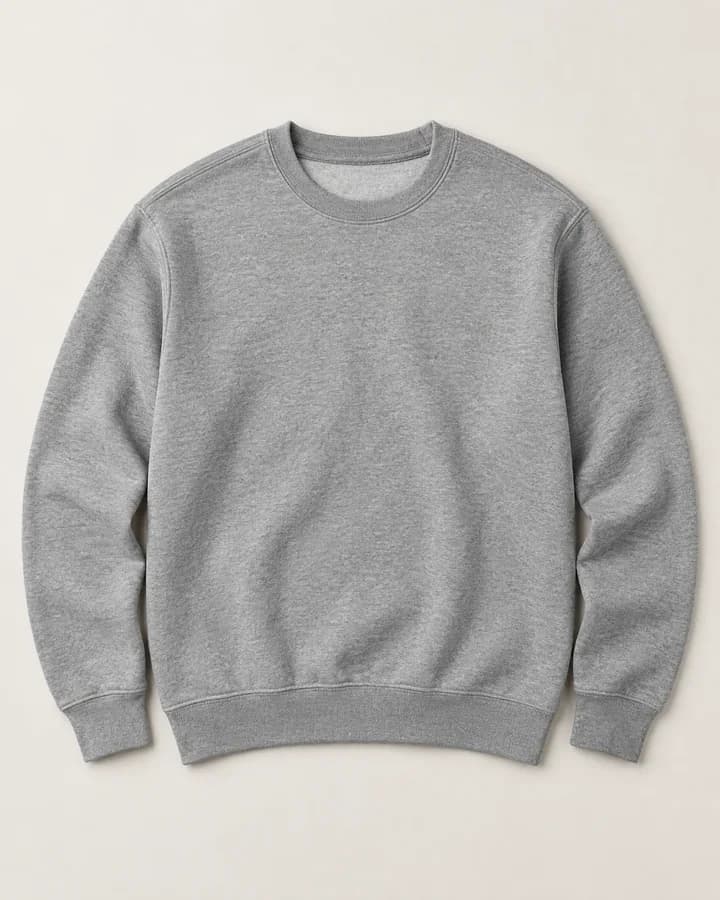
SAMPLE STORE
Sweatshirt
49,90 €
Size
In the demo the result is pre-generated. In your store it is generated live for each customer.
Benefits
What changes in your store
Buying clothes online means deciding without trying on. Removing that doubt moves everything that follows.
More customers decide to buy
Seeing the piece on themselves means less hesitation. “Will it suit me?” stops blocking the purchase.
Fewer disappointed returns
A large share of returns is “not what I expected”. Seeing it first reduces the surprise on delivery.
More time on the product page
Trying pieces on is fun. Customers stay, explore and look at more of your products.
Previews that get shared
People who like the result show it to friends. Every share brings someone new to your page.
A store unlike the others
Few stores have this. Customers remember where they tried it.
Zero technical work
No new photos, no catalogue to prepare, no integration. One line in your site and it works.
Installed in two minutes
One line of code. The button appears on its own on every eligible product, styled like your buy button.
- 1Copy the line
- 2Paste it into your site
- 3It is live
<script src="https://www.get-swappy.com/…/fashion.js" data-swappy-shop="O-CÓDIGO-DA-TUA-LOJA"></script>Your own line, with your store code, is created when you sign up. This one is just to show the size.
Works on any store where you can paste code. The button only appears on clothing, shoes and accessories Swappy can render well; on the rest of the catalogue it stays hidden.
What it is, and what it is not
We would rather tell you now than have your customer find out later.
It is
- A visual simulation of the piece on the customer's body, using their photo.
- Tops, bottoms, dresses, sets, shoes, caps, sunglasses, scarves, belts and bags.
- Generated live, in about 20 seconds, inside your page.
- The customer's photo is used only to generate the preview. It is not stored.
It is not
- A guarantee of size or fit. We do not measure anyone.
- An exact reproduction of fabric, sheerness or movement.
- A replacement for your size chart or your product photos.
- Shown on products outside the scope: underwear, kids, beauty or jewellery.
Pricing
Launch pricing
Monthly plans. Only the number of previews changes. Everything else is included in all of them.
14-day free trial
Card required, no upfront charge. The trial ends after 14 days or 100 previews, whichever comes first. Only then does the monthly plan start.
Launch price
For the first stores. You keep this price for as long as your subscription stays active.
Starter
For stores starting out or with light traffic.
29 €/ month
200 previews per month
- Button on every eligible product
- Automatic photo check
- Styled to match your site
- Three languages for the customer
- Cancel any time
Growth
For most stores with regular traffic.
69 €/ month
600 previews per month
- Button on every eligible product
- Automatic photo check
- Styled to match your site
- Three languages for the customer
- Cancel any time
Scale
For stores with many visits a day.
139 €/ month
1,500 previews per month
- Button on every eligible product
- Automatic photo check
- Styled to match your site
- Three languages for the customer
- Cancel any time
FAQ
Do I need to change my site?
No. You paste one line of code and the button appears on its own on product pages. Your theme, cart and checkout stay untouched.
Does the customer leave my store?
Never. The window opens on top of your product page. At the end it shows your buy button, with your text.
Do I need to prepare photos or my catalogue?
No. We use the product image already on the page. Swappy decides on its own which products get the button.
What happens to the customer's photo?
It is used only to generate the preview and is not stored. The customer is told before continuing.
How long does it take?
About 20 seconds. The customer sees a progress bar and the preview appears in the same window.
Is the preview the same as real life?
It is a visual simulation: colour, pattern, shape and how it sits on the person. It does not guarantee size or fit, and the window says so to the customer.
What happens when the trial ends?
If you continue, the monthly plan you chose starts. If not, cancel before and you pay nothing.
Can I cancel?
Yes, at any time. The plan stays active until the end of the paid cycle.
Have a question?
Talk to us before you sign up. We reply within one business day.